Click to download now, finish the installation quickly, and directly unlock the all-round experience
Screenshots
Click to download now, finish the installation quickly, and directly unlock the all-round experience
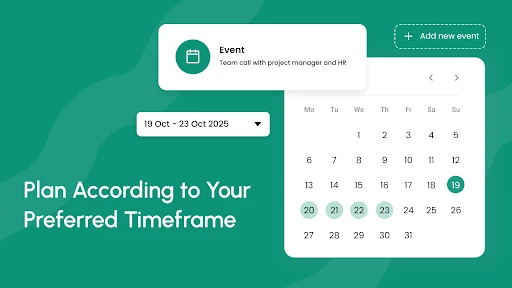
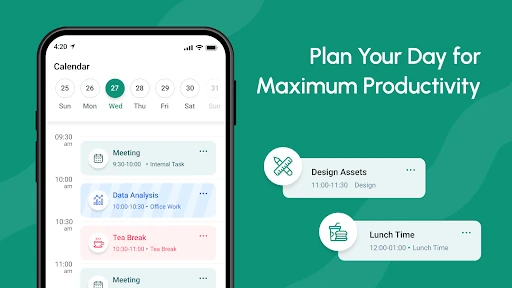
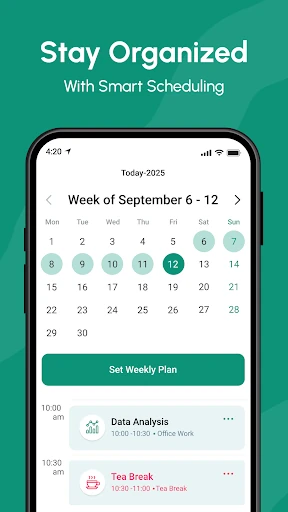
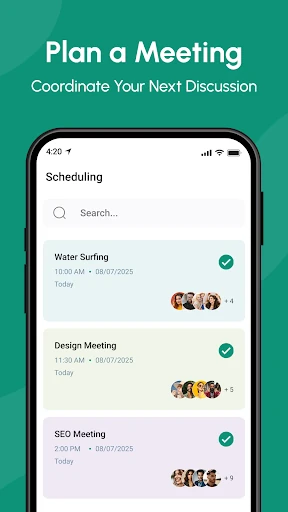
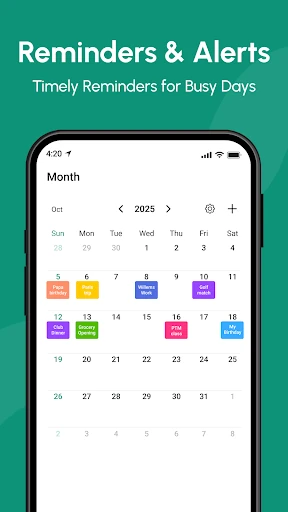
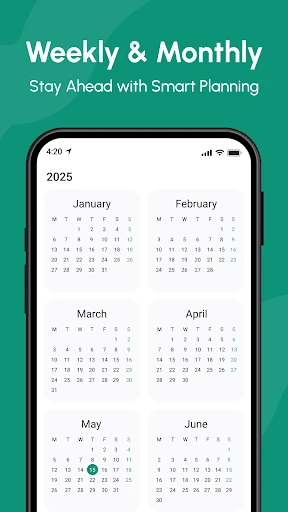
Calendar 2026 is a productivity app for people who want more than a simple date grid. It combines calendar planning with reminders, task organisation and several ways to view upcoming commitments. Its main focus is planning through the 2026 calendar cycle, making it useful for checking dates, organising events and keeping longer-term plans visible.
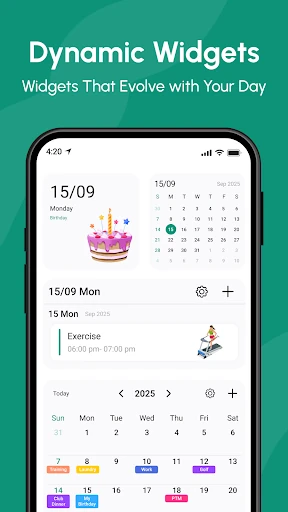
This is a reasonable fit for users who manage work and personal commitments in one place, especially when a monthly grid is not enough. Shift workers may find the broader planning options useful, while anyone who prefers a home-screen overview can make use of its widget support. Users looking only for a minimal calendar may find the extra reminders, countdowns and planning controls unnecessary.
Calendar 2026 is published by Calendar Planner in the Productivity category. It has a 4.47 rating from 24,449 reviews and more than 5,000,000 installs. Those figures show substantial adoption, but they do not replace a practical check of how the app opens, what permissions it requests and whether its behaviour matches its description.